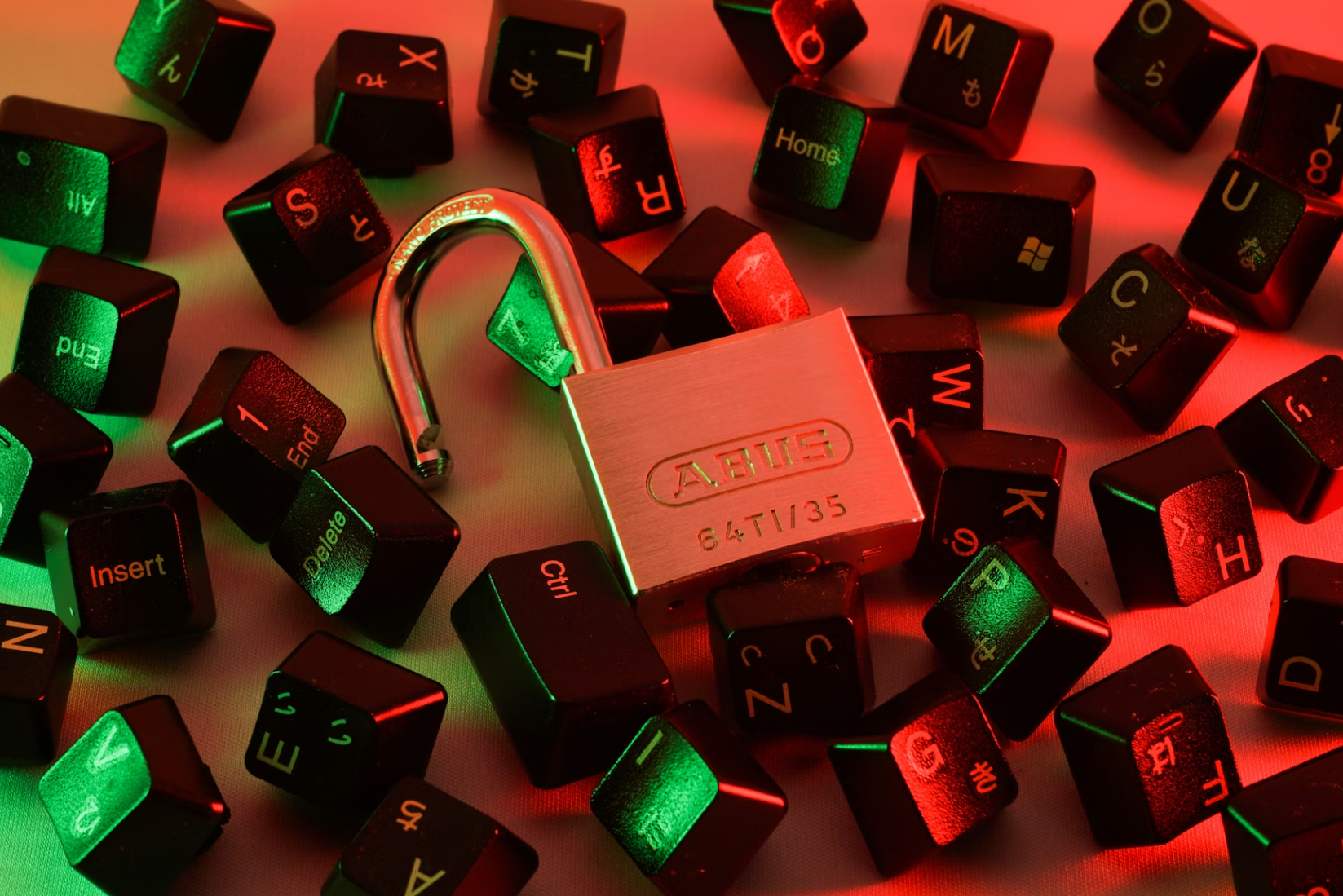
How to Choose Smart Gadgets for Home and Daily Use
A smart home does not have to look like a futuristic showroom. For most people, it begins with a very ordinary moment: walking into a dark hallway with your hands full, forgetting whether you turned off the air conditioner, searching for a charger that actually works, or wishing your morning routine felt a little less rushed. The best smart gadgets are not the ones that make your home look more complicated. They are the ones that quietly remove small frustrations from daily life.
That is why choosing smart gadgets should not start with the most advanced device, the trendiest brand, or the longest list of features. It should start with your habits. A good smart gadget should fit into your day so naturally that, after a while, you barely notice it is there. It makes your home easier to manage, your routines smoother, and your time a little less scattered.
The challenge is that the smart gadget market is crowded. There are smart speakers, plugs, lights, doorbells, cameras, air purifiers, robot vacuums, thermostats, kitchen tools, wearable devices, charging stations, and countless accessories promising a more convenient life. Some are genuinely useful. Some are interesting but unnecessary. Others become forgotten drawer clutter within a month.
This guide will help you choose smart gadgets for home and daily use with a more thoughtful eye. Instead of chasing every new device, the goal is to understand what matters, what is optional, what to avoid, and how to build a practical setup that feels helpful rather than overwhelming.

Start With the Problem, Not the Product
The smartest way to buy smart gadgets is to begin with a simple question: what problem am I trying to solve?
Many shoppers do the opposite. They see a stylish device, read a few exciting features, and imagine how it might fit into their life. That approach often leads to gadgets that are fun for a week but not useful long term. A better approach is to look at your daily routines and identify small points of friction.
Do you often forget to turn off lamps? Smart plugs or smart bulbs may help. Do you want better visibility at your front door? A smart doorbell or outdoor camera may be worth considering. Do you spend too much time cleaning floors? A robot vacuum could be practical. Do you work from home and need better desk organization? A smart charging hub, noise-control device, or adjustable lighting may be more useful than another entertainment gadget.
The product should answer a real need. When the need is clear, comparison becomes easier. You are no longer asking, “Is this gadget impressive?” You are asking, “Does this gadget solve my problem better than a simpler alternative?”
That shift can save money, reduce clutter, and help you build a smarter home that feels intentional.
Think About Your Daily Routine
A smart gadget is only useful if it matches the rhythm of your life. A device that works beautifully for one person may be unnecessary for another.
For example, smart lighting is especially useful for people who come home late, wake up before sunrise, have children, or want to create different moods for work and relaxation. A smart speaker may be helpful if you enjoy voice commands, music, timers, reminders, or hands-free control. A smart thermostat or air conditioner controller may be practical in homes where temperature changes throughout the day. A smart lock may appeal to households with family members, guests, or frequent deliveries.
On the other hand, some devices sound attractive but may not fit your habits. If you rarely cook, a connected kitchen appliance may not be a priority. If you live in a small apartment with minimal floor space, a premium robot vacuum may not offer enough value. If you dislike voice commands, a smart speaker may become just another wireless speaker.
Before buying, imagine the device in a normal weekday. Where will it sit? Who will use it? How often will it actually help? Will it simplify a task, or will it create another app to manage?
Good smart gadgets blend into daily life. They do not demand constant attention.
Compatibility Matters More Than Fancy Features
One of the most important things to check before buying any smart gadget is compatibility. A device may have excellent features, but if it does not work well with your existing phone, voice assistant, Wi-Fi network, or smart home platform, it can quickly become frustrating.
Many smart gadgets connect through platforms such as Apple Home, Google Home, Amazon Alexa, Samsung SmartThings, or their own brand-specific apps. Some devices support multiple systems, while others are more limited. Before purchasing, check whether the gadget works with the ecosystem you already use.
If your household uses iPhones and Apple devices, compatibility with Apple Home may matter. If you already use Google speakers or Android phones, Google Home support may be more convenient. If you rely on Alexa devices, look for products that integrate smoothly with Amazon Alexa.
It is also worth checking whether a device requires a hub. Some smart gadgets connect directly to Wi-Fi, while others use technologies such as Zigbee, Z-Wave, Thread, or Matter. These can be reliable, but they may require extra hardware. For beginners, direct compatibility and simple setup are often more important than advanced technical options.
A good rule is to choose gadgets that can work together. A smart home made of disconnected devices can feel less smart than a simple setup where everything communicates smoothly.
Pay Attention to App Quality
The app is the control center of many smart gadgets. A device may look beautiful on the outside, but if the app is confusing, slow, poorly translated, or unreliable, the experience can feel disappointing.
Before buying, read recent app reviews in the app store. Look for comments about setup, connection stability, customer support, updates, and ease of use. A smart camera with a weak app can make it hard to review footage. A smart plug with unreliable scheduling can defeat the purpose of automation. A smart appliance with a cluttered interface can feel more complicated than the manual version.
The best apps are clear, stable, and easy to understand. They allow you to adjust settings without digging through endless menus. They also receive updates, which can improve security and performance over time.
For shared households, consider whether the app allows multiple users. If only one person can control the device easily, it may become inconvenient for everyone else.
Choose Practical Automation Over Novelty
Automation is one of the strongest reasons to buy smart gadgets, but it should be practical. The goal is not to automate everything simply because you can. The goal is to remove repetitive steps that interrupt your day.
Useful automations might include lights turning on at sunset, a fan switching off after a set time, a coffee machine starting in the morning, a robot vacuum cleaning while you are out, or a smart plug cutting power to devices at night. These are simple, predictable, and easy to appreciate.
Less useful automations are often too complicated. If a routine requires too many conditions, apps, sensors, and troubleshooting steps, it may become more work than the task it replaces. Smart living should feel lighter, not more technical.
For beginners, start with one or two simple routines. Once they work reliably, expand gradually. A strong smart home setup grows like a well-edited wardrobe: piece by piece, with each addition serving a purpose.
Look Closely at Security and Privacy
Smart gadgets often collect data. Some may record video, detect motion, track usage patterns, connect to microphones, or monitor home activity. This does not mean you should avoid them, but it does mean you should choose carefully.
For security cameras, doorbells, baby monitors, and smart locks, privacy matters especially. Look for clear security features such as two-factor authentication, encryption, user permissions, and the ability to manage stored recordings. Check whether cloud storage is required or optional. Some devices offer local storage, while others depend on paid cloud plans.
It is also smart to change default passwords, keep apps updated, and use strong Wi-Fi security. If your router supports a guest network or separate network for smart devices, that can add another layer of organization.
Privacy policies can be long and dry, but basic transparency is important. A trustworthy product should explain what data it collects, how it is stored, and what controls you have.
When in doubt, be more cautious with devices that include cameras, microphones, locks, or sensitive household access.
Consider the True Cost
The price on the product page is not always the full cost of owning a smart gadget. Some devices require subscriptions for important features. A security camera may need a paid plan for cloud recording. A smart doorbell may require a subscription for advanced alerts. A robot vacuum may need replacement filters, brushes, bags, or mopping pads. Smart bulbs and batteries may need replacement over time.
Before buying, check what is included and what costs extra. Ask yourself whether the device is still useful without a subscription. Some gadgets work well with basic features, while others lose much of their appeal unless you pay monthly.
Also consider how many devices you plan to add. A single smart bulb may be affordable, but outfitting an entire home can become expensive. A low-cost gadget can be a good start, but a very cheap device with poor reliability may cost more in frustration.
Value is not about buying the most expensive option. It is about choosing a device that performs well, lasts reasonably, and fits your actual needs.
Think About Setup and Maintenance
A smart gadget should make life easier after setup, but the setup process itself can vary widely. Some devices connect in minutes. Others require drilling, wiring, pairing, calibration, firmware updates, or troubleshooting.
Before purchasing, consider your comfort level. If you rent your home, avoid gadgets that require permanent changes unless you have permission. Battery-powered doorbells, plug-in cameras, smart plugs, and portable sensors may be more renter-friendly. If you own your home and are comfortable with installation, wired devices may provide more stable long-term performance.
Maintenance also matters. Robot vacuums need emptying and cleaning. Air purifiers need filter replacements. Smart cameras may need charging if they are wireless. Smart locks need battery checks. Smart lights usually require little maintenance, but they still depend on stable connectivity.
The best choice is not always the most advanced one. It is the one you are willing to maintain.
Smart Gadgets That Often Make Sense for Beginners
If you are new to smart gadgets, some categories are easier to start with than others.
Smart plugs are one of the simplest entry points. They can turn lamps, fans, small appliances, or decorative lights into scheduled or app-controlled devices. They are affordable, flexible, and easy to move.
Smart bulbs are another friendly option. They allow dimming, scheduling, color temperature changes, and mood lighting. They are useful in bedrooms, living rooms, hallways, and workspaces.
Smart speakers or displays can act as control hubs for music, timers, reminders, shopping lists, and compatible smart devices. They are most useful for people who like voice control.
Smart cameras and video doorbells can add visibility around the home, especially for entrances, deliveries, or outdoor areas. These require extra attention to privacy, placement, and storage options.
Robot vacuums can save time in homes with open floors, pets, or frequent dust. They work best when rooms are not too cluttered and furniture allows easy navigation.
Smart air purifiers, fans, and climate controllers may help improve comfort, especially in homes where air quality, humidity, or temperature changes throughout the day. Choose based on room size, filter cost, and noise level.
Smart charging stations and cable organizers are often underrated. They may not feel dramatic, but they can make daily device use cleaner and easier, especially for families or workspaces.
What Is Optional, Not Essential
Not every smart gadget needs to be part of your setup. Some devices are more about enjoyment than necessity, and that is perfectly fine as long as you know what you are buying.
Color-changing light strips can create atmosphere, but they are not essential for most homes. Smart kitchen appliances can be convenient, but they may not be worth it if you already cook comfortably with standard tools. Smart mirrors, connected fragrance diffusers, and app-controlled decorative items can be fun, but they should not come before practical upgrades if your budget is limited.
The same applies to luxury versions of basic gadgets. A premium model may offer better design, quieter operation, stronger sensors, or more automation, but the extra cost should match your real use. If you only need a lamp to turn on automatically, a simple smart plug may be enough.
Optional does not mean bad. It simply means the purchase should be guided by lifestyle enjoyment, not necessity.
Common Mistakes to Avoid
One common mistake is buying too many gadgets at once. A smart home works best when you understand each device before adding more. Starting small helps you learn what features you actually use.
Another mistake is ignoring compatibility. A device that does not fit your existing ecosystem can create unnecessary friction. Always check supported platforms before purchasing.
Many shoppers also overlook subscription costs. A low upfront price can become less attractive if important features require a monthly plan.
A fourth mistake is choosing features over reliability. Advanced options sound exciting, but stable connection, clear controls, and dependable performance matter more in everyday use.
It is also easy to place devices without thinking about real-world conditions. A camera needs the right viewing angle and Wi-Fi signal. A robot vacuum needs enough clearance. A smart speaker needs to be close enough to hear commands. A smart plug needs to fit the outlet without blocking other devices.
Finally, avoid buying gadgets only because they are trending. A smart gadget should earn its place in your home, just like a well-made chair or a favorite kitchen tool.
How to Compare Smart Gadgets Before Buying
When comparing smart gadgets, focus on a few practical factors.
First, check the core function. Does the device do the main job well? A smart lamp should provide good light. A camera should offer clear video. A vacuum should clean effectively. Smart features are secondary if the basic function is weak.
Second, review compatibility. Look for support for your preferred smart home platform, phone system, and Wi-Fi setup.
Third, consider ease of use. A clean app, simple controls, and clear instructions are signs of a better everyday experience.
Fourth, look at reliability. Recent reviews can reveal whether users experience connection issues, weak batteries, confusing updates, or poor customer support.
Fifth, calculate ongoing costs. Include subscriptions, replacement parts, batteries, filters, and accessories.
Sixth, consider design and placement. A device that looks awkward, takes up too much space, or does not suit your home may become annoying even if it works well.
A thoughtful comparison turns smart gadget shopping from impulse buying into practical decision-making.
Build a Smarter Home Gradually
A polished smart home is not built in one shopping session. It is built gradually, with attention to your real life.
Start with one area: lighting, cleaning, security, comfort, or desk organization. Choose one useful device and live with it for a few weeks. Notice what works and what feels unnecessary. Then decide whether to expand.
For example, you might begin with a smart plug for a bedside lamp. If you enjoy scheduling lights, you may later add smart bulbs to the hallway or living room. If voice control feels useful, you may add a smart speaker. If cleaning is your biggest pain point, you may start with a robot vacuum instead.
This gradual approach prevents your home from becoming crowded with disconnected gadgets. It also allows you to learn your preferences. Some people love voice automation. Others prefer app controls. Some want security tools. Others care more about comfort and energy management.
The best smart home is personal, not performative.
The Role of Design in Daily Use
Smart gadgets live in your home, so design matters. A device does not need to look luxurious, but it should fit the space where you use it. A bulky plug may block outlets. A bright indicator light may disturb sleep. A camera may feel too noticeable in a quiet room. A charging station may either tidy your desk or create more visual clutter.
Look for designs that support the way your home already works. For bedrooms, quiet operation and low light are important. For kitchens, easy cleaning and durable materials matter. For living rooms, appearance may be more noticeable. For workspaces, cable management and compact size can make a big difference.
Good design is not just about looks. It is about reducing friction. The best gadgets feel like part of the room rather than a technical interruption.
A Balanced Final Takeaway
Choosing smart gadgets for home and daily use is less about collecting devices and more about editing your environment. The right gadgets can make routines smoother, spaces more comfortable, and small tasks easier to manage. The wrong ones can add clutter, cost, and confusion.
Start with real problems. Check compatibility. Read app reviews. Understand privacy settings. Watch for ongoing costs. Choose simple automations before complex ones. Most importantly, buy for the life you actually live, not the idealized version shown in product photos.
A smart home should not make you feel like you need to manage another system. It should quietly support your day, like good lighting, a comfortable chair, or a well-placed shelf. When chosen carefully, smart gadgets become less about technology and more about ease.
Conclusion
Smart gadgets can be genuinely useful when they are selected with purpose. They can help you save time, simplify routines, improve comfort, and bring more control to everyday spaces. But the best choices are rarely the flashiest ones. They are the devices that solve a real need, work well with your existing setup, and remain easy to use after the excitement of purchase fades.
Before buying, slow down and consider how the gadget will fit into your daily life. A thoughtful purchase today is more valuable than a drawer full of impressive devices you never use. Smart living is not about having every connected product available. It is about choosing the few that make your home feel calmer, smoother, and easier to enjoy.
FAQs
What smart gadget should I buy first for my home?
A smart plug or smart bulb is often a good first choice because it is easy to set up, affordable, and useful in many rooms. These devices help you understand scheduling, app control, and automation without making a large commitment.
Are smart gadgets worth it for small apartments?
Yes, but the best choices are usually compact and practical. Smart plugs, smart lighting, air purifiers, charging stations, and small security cameras can be useful in apartments. Large or complex devices may not be necessary unless they solve a specific problem.
Do smart gadgets always need Wi-Fi?
Many smart gadgets use Wi-Fi, but not all of them. Some use Bluetooth, Zigbee, Z-Wave, Thread, or Matter. Wi-Fi devices are often easier for beginners, while other connection types may be better for larger or more advanced smart home setups.
How can I avoid wasting money on smart gadgets?
Start by identifying a real problem you want to solve. Check compatibility, read recent user reviews, review subscription costs, and avoid buying too many devices at once. A gadget that fits your routine is usually a better buy than one with the longest feature list.
Are smart home devices safe to use?
Smart home devices can be safe when chosen and managed carefully. Use strong passwords, enable two-factor authentication when available, keep apps updated, and be especially cautious with cameras, microphones, and locks. It is also wise to review privacy settings before regular use.


You May Also Like
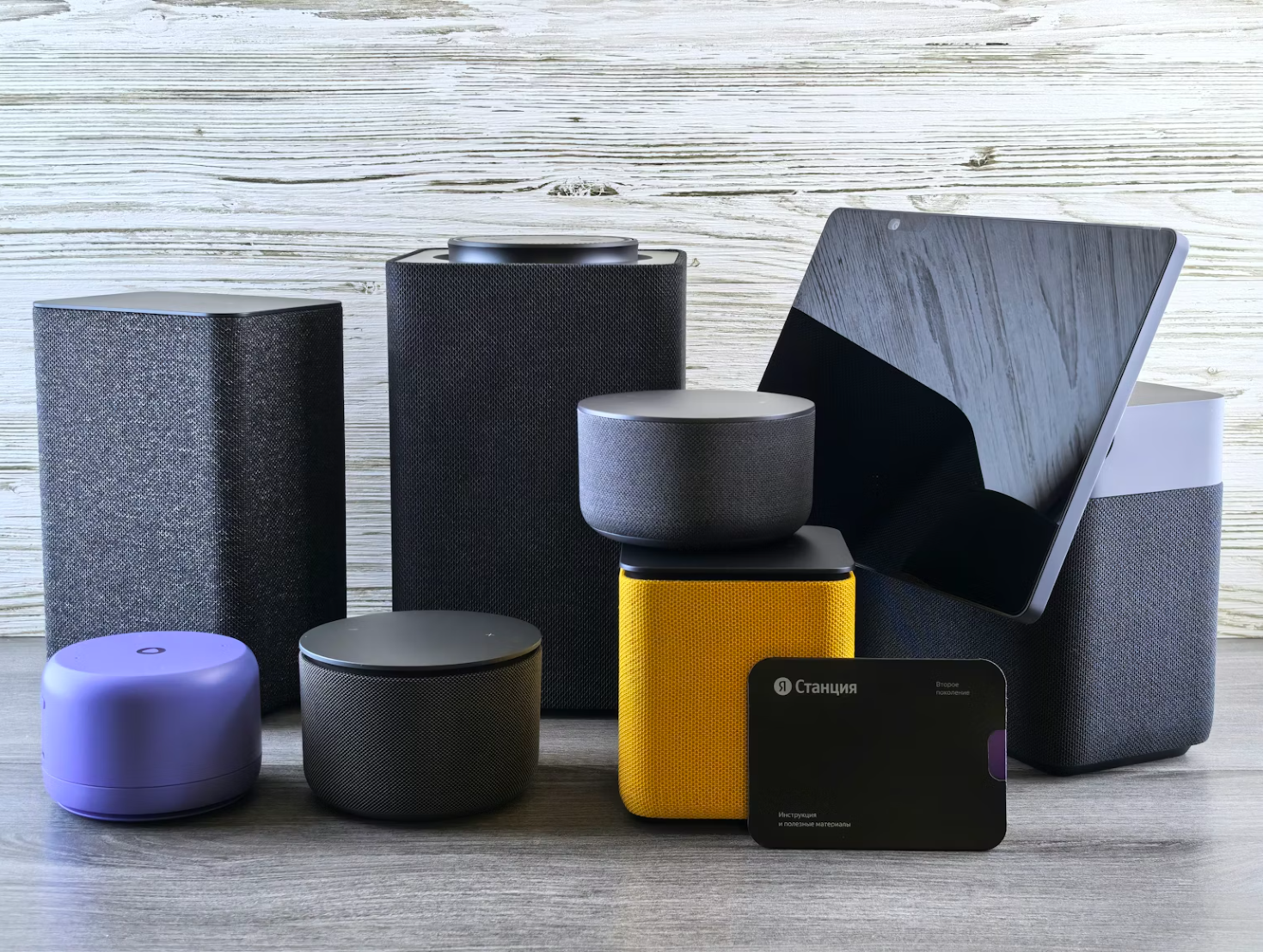
Smart Home Devices: What Should You Buy First?

Everyday Gadgets That Make Remote Work Easier