Must-Have Digital Tools for a More Organized Life
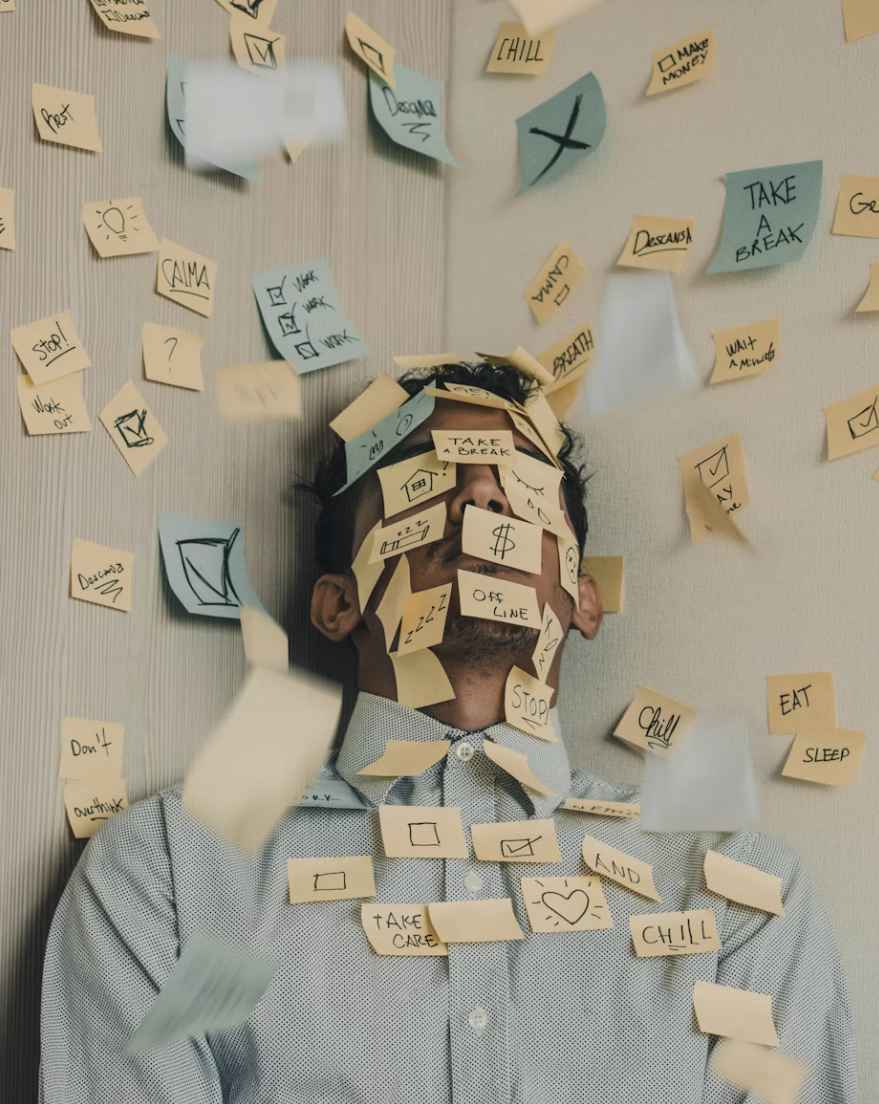
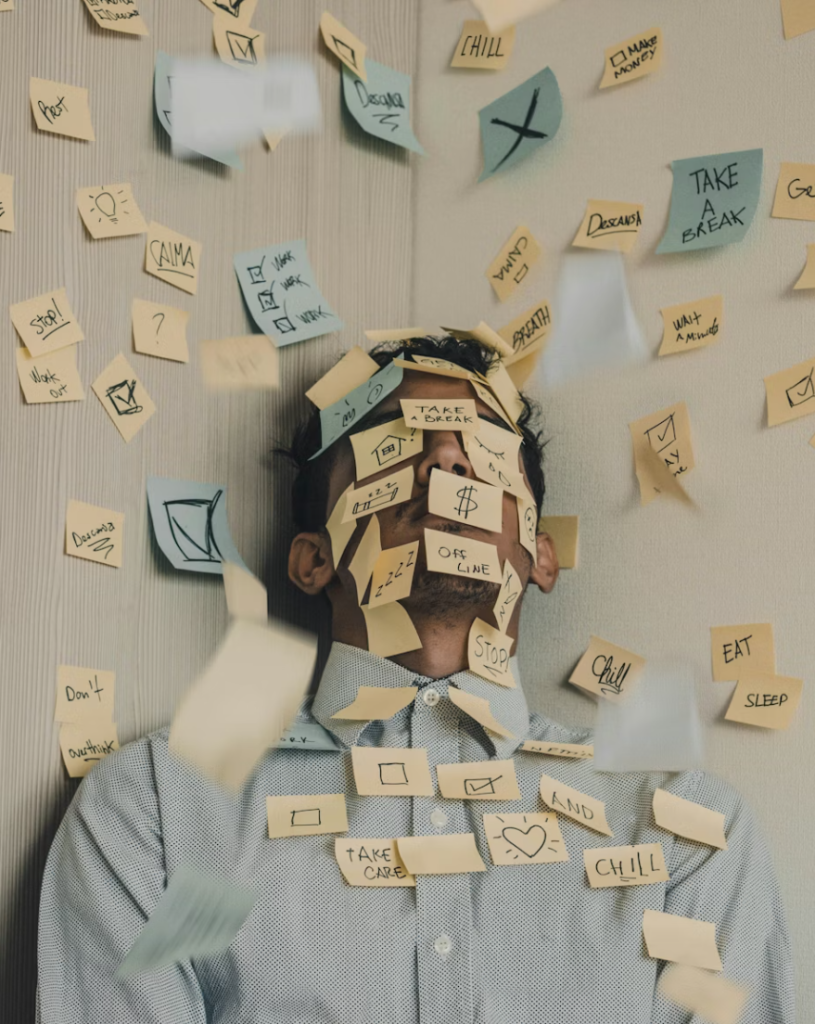
A more organized life rarely begins with a perfect morning routine, a spotless desk, or a color-coded planner that never misses a beat. More often, it starts with a familiar moment: you are looking for one file, trying to remember one appointment, checking three messaging apps, and realizing that your mental tabs are multiplying faster than your browser tabs.
Modern life asks us to carry a lot. Work deadlines, personal errands, family plans, passwords, receipts, budgets, photos, notes, habits, and reminders all compete for space in our attention. The right digital tools do not magically make life simple, but they can make it easier to see what matters, reduce small daily friction, and create a calmer system for decisions.
The key is not to download every productivity app that promises a fresh start. A truly organized digital life comes from choosing tools that match your habits, your responsibilities, and the way you actually think. The best tools feel less like another chore and more like a quiet assistant in the background, keeping the moving pieces from slipping through the cracks.
This guide explores the must-have digital tools that can help you build a more organized life, from calendars and task managers to cloud storage, budgeting apps, password managers, and focus tools. Instead of chasing the newest trend, the goal is to help you understand what each tool is useful for, what features matter, and how to avoid turning your organization system into another source of stress.
Why Digital Organization Matters More Than Ever
For many people, disorganization is not about laziness. It is often the result of information being scattered across too many places. A meeting invite lives in one app. A grocery list sits in a text message. A receipt is buried in email. A project idea is saved in a note you cannot find. Over time, this creates a quiet kind of clutter.
Digital organization matters because it gives your attention fewer places to search. When your calendar, tasks, files, and notes each have a clear home, you spend less energy remembering where things are and more energy doing the work, enjoying your time, or making better choices.
A good digital system can help you:
Remember important dates without relying on memory alone
Find documents, photos, and receipts faster
Track goals and routines more consistently
Reduce missed payments, forgotten tasks, and last-minute stress
Separate urgent items from things that can wait
Make shopping, planning, and decision-making easier
Still, more technology is not always better. The most organized people are not necessarily using the most apps. They are usually using the right combination of tools with simple rules.
Start With a Digital Calendar
A digital calendar is the backbone of an organized life. It is where time becomes visible. Without a reliable calendar, even the best task list can feel floating and abstract.
A calendar is best for anything that happens at a specific date or time. Appointments, calls, birthdays, travel dates, renewal reminders, school events, workouts, and bill due dates all belong here. The value is not just in remembering the event. It is in seeing the shape of your week before it happens.
When choosing a digital calendar, look for practical features such as:
Easy event creation
Recurring reminders
Color categories
Shared calendar options
Time zone support
Mobile and desktop syncing
Notification controls
The biggest mistake is using a calendar as a dumping ground for every possible task. If everything is on the calendar, nothing feels important. Use it for time-based commitments and meaningful reminders. Keep flexible to-dos in a task manager instead.
A useful habit is to check your calendar twice a day: once in the morning to understand the day ahead, and once in the evening to prepare for tomorrow. This small rhythm can prevent many rushed mornings and forgotten details.
Use a Task Manager to Capture What Needs Doing
If a calendar shows when something happens, a task manager shows what needs to be done. This is where your errands, follow-ups, shopping lists, project steps, and personal reminders can live.
A good task manager does one important thing: it gets tasks out of your head and into a system you trust. The mental relief can be immediate. Instead of repeating “don’t forget” all day, you write it down once and let the tool hold it for you.
For most people, the best task manager is not the most complex one. It is the one you will actually open and use. Helpful features include due dates, recurring tasks, priority labels, subtasks, reminders, and simple project folders.
A practical setup might include lists such as:
Today
This Week
Work
Home
Shopping
Personal
Waiting For
The “Waiting For” list is especially useful. It gives you a place to track things that depend on someone else, such as a reply, delivery, refund, approval, or appointment confirmation. This prevents open loops from quietly draining your attention.
Avoid creating too many categories too soon. A task system should feel lighter than the chaos it replaces. Start simple, then expand only when you feel a real need.
Keep Notes in One Reliable Place
Notes are the loose change of modern thinking. Ideas, quotes, recommendations, meeting points, recipe adjustments, packing lists, gift ideas, and random reminders often appear when we are not sitting neatly at a desk.
A digital notes app gives those thoughts a home. The best one should be fast to open, searchable, and available across your devices. It should allow simple text notes, checklists, images, links, and perhaps voice notes if you like capturing ideas on the move.
The real power of a notes tool is search. You do not need a perfect folder structure if you can quickly find what you wrote. Still, a few broad categories can help, such as Work Notes, Home, Ideas, Travel, Purchases, and Reference.
One helpful approach is to create a “Life Admin” note or folder. This can hold information you need occasionally but do not want to search for every time: sizing details, household measurements, preferred printer settings, travel packing basics, warranty notes, or important instructions.
The mistake to avoid is treating your notes app like a storage unit with no doors. If you save everything without review, it becomes another junk drawer. Once a week, clean up the notes that matter and delete what no longer has value.
Cloud Storage Makes Your Files Easier to Trust
A more organized life often depends on one simple question: can you find the file when you need it? Cloud storage helps by keeping documents accessible across devices and reducing the risk of losing important files when a computer or phone fails.
Cloud storage is especially useful for:
Identification documents
Work files
Receipts
Tax documents
Contracts
Home records
Travel confirmations
Photos and videos
Shared family or team folders
When choosing a cloud storage tool, look for reliable syncing, strong search, easy sharing, version history, mobile access, and security features. Storage size matters, but organization features matter just as much.
A clean folder structure can make cloud storage far more useful. For example:
Personal Documents
Home and Bills
Work
Receipts and Purchases
Travel
Photos
Shared Files
Try to name files clearly. A file called “receipt” is not very helpful six months later. A name like “2026 laptop receipt” or “apartment lease signed copy” is much easier to search.
The biggest mistake is spreading files across too many storage services. If your documents are split between several apps without a clear reason, you may end up more confused than before. Choose one main home for important files, then use other storage spaces only when necessary.
A Password Manager Is a Quiet Essential
Few digital tools offer as much practical value as a password manager. It helps you store and create strong passwords without needing to memorize them all. In a world where many people use dozens of accounts, this is not just convenient. It is a basic part of digital hygiene.
A password manager can help you:
Generate stronger passwords
Avoid reusing the same password
Store login details securely
Save secure notes
Share selected passwords safely with family or team members
Fill login forms more easily
Identify weak or reused passwords
When comparing password managers, look for encryption, two-factor authentication support, cross-device syncing, password health reports, emergency access options, and transparent security practices.
A common mistake is choosing passwords based on convenience alone. Reusing the same password across shopping, email, banking, and social accounts may feel easy, but it creates unnecessary risk. A password manager lets you make stronger choices without turning your memory into a vault.
Budgeting and Expense Tools Bring Clarity to Money
An organized life is not only about time and files. It is also about knowing where your money is going. Budgeting apps and expense trackers can turn vague financial stress into clearer information.
These tools can help you track income, spending categories, subscriptions, savings goals, and upcoming bills. Some connect to financial accounts, while others require manual entry. The better choice depends on your comfort level, privacy preferences, and how much detail you want.
A useful budgeting tool should help you answer questions such as:
How much do I spend on fixed bills?
Which subscriptions am I still using?
Where does casual spending add up?
What expenses are coming soon?
Am I saving consistently toward my goals?
The goal is not to judge every purchase. It is to make spending more visible. Once spending is visible, smarter decisions become easier.
For shoppers, budgeting tools can also support better buying decisions. Before purchasing a new gadget, beauty tool, fitness accessory, or home product, you can compare it against your actual budget rather than relying on mood or marketing pressure.
Habit Trackers Help Build Small Wins
Habit trackers are useful because they turn invisible progress into something you can see. Whether you are trying to drink more water, read regularly, stretch, plan meals, tidy your desk, or sleep earlier, a habit tracker can create a gentle sense of accountability.
The best habit trackers are simple and encouraging. They should make it easy to mark progress, view streaks, and notice patterns. Some people like detailed analytics. Others only need a checkmark.
The trick is to track habits that are small enough to repeat. “Exercise for two hours every day” may sound motivating, but it can become discouraging quickly. “Move for ten minutes” is easier to maintain and can still build momentum.
A habit tracker should not become a guilt machine. Missing a day is normal. The real value is in returning to the routine without drama.
Digital Planning Tools for Projects and Goals
Not everything fits neatly into a calendar or task list. Some parts of life are more like small projects: planning a trip, redesigning a room, launching a website, organizing a move, preparing a wedding, researching a laptop, or building a fitness routine.
For these, a digital planning tool can help you organize notes, deadlines, links, checklists, files, and decisions in one place. Some tools use boards, some use pages, and others use databases or visual cards.
A good project planning tool should help you see:
What needs to happen
Who is responsible
What has already been decided
Which links or files matter
What the next step is
What deadline is approaching
For personal use, do not overcomplicate it. A simple board with columns like Ideas, To Do, In Progress, Waiting, and Done can bring order to many projects.
For buying decisions, a planning tool can also be useful. You can compare features, prices, warranty details, return policies, and must-have requirements before choosing a product. This helps you move from impulse shopping to thoughtful comparison.
Email Management Tools Reduce Inbox Stress
Email is one of the most common places where digital clutter collects. Receipts, newsletters, confirmations, work updates, promotions, documents, and reminders all arrive in the same stream. Without a system, the inbox becomes a noisy waiting room.
Email organization can come from built-in features or separate tools. Filters, folders, labels, unsubscribe tools, search operators, snooze options, and templates can all help.
A practical email system might include:
A folder for receipts
A folder for travel
A folder for important documents
A folder for work references
Filters for newsletters
A regular unsubscribe habit
One of the best habits is to separate reading from processing. Reading means scanning what arrived. Processing means deciding what to delete, archive, reply to, schedule, or turn into a task. When everything stays in the inbox, your email becomes a messy to-do list.
If an email requires action, move the action into your task manager. If it is time-based, put it on your calendar. If it is only reference material, file it where you can find it later.
Focus and Distraction-Blocking Tools
Organization is not only about storing information. It is also about protecting attention. Focus tools can help reduce digital distractions during work, study, reading, or personal planning time.
These tools may block distracting websites, silence notifications, create focus timers, or divide work into timed sessions. They are especially helpful when you know exactly what you need to do but keep getting pulled into something easier.
A good focus tool should be flexible. You may want one setting for deep work, another for personal time, and another for sleep. The goal is not to eliminate every distraction forever. It is to create intentional spaces where your attention can settle.
The mistake to avoid is relying only on willpower. Digital environments are designed to pull attention. A focus tool creates boundaries so you do not have to fight the same battle every few minutes.
Shopping and Comparison Tools for Smarter Buying
For a consumer-focused lifestyle, shopping organization deserves its own place. Digital shopping tools can help you compare products more thoughtfully, track wish lists, save size information, monitor prices, and avoid buying duplicates.
Useful shopping tools may include wish list apps, browser extensions, price trackers, note templates, receipt storage, and product comparison spreadsheets. These tools are especially helpful for higher-consideration purchases such as electronics, home appliances, fitness gear, furniture, luggage, skincare devices, or fashion staples.
Before buying, consider creating a simple comparison note with:
Product name
Main features
Price range
Warranty or return policy
Size or compatibility details
Pros
Cons
Reason for buying
Reason to wait
This small pause can prevent many disappointing purchases. If a product still makes sense after comparison, it is more likely to be a thoughtful choice rather than a quick reaction to a sale banner.
Automation Tools Can Save Small Amounts of Time
Automation sounds technical, but it can be simple. At its best, automation removes repetitive steps from daily life. For example, you might create automatic reminders, recurring bill alerts, file backups, calendar routines, or workflows that send saved information from one app to another.
The best automations are the boring ones. They quietly reduce repeated effort without needing constant attention. A reminder to review subscriptions every month can save money. A recurring weekly planning prompt can protect your schedule. Automatic photo backups can reduce the risk of losing memories.
Start with one repeated annoyance. Ask yourself: do I do this same small task again and again? If yes, there may be a tool or setting that can handle part of it.
Avoid automating a messy process too early. If your workflow is unclear, automation may only make the confusion faster. First simplify, then automate.
What to Look For Before Choosing Any Digital Tool
With so many digital tools available, the buying or selection process can become overwhelming. The best way to choose is to focus on fit, not hype.
Before choosing a tool, ask:
Does it solve a real problem I have?
Will I use it often enough to justify the cost?
Does it work on my main devices?
Can I export my data if I ever leave?
Is it simple enough for my daily routine?
Does it protect my privacy appropriately?
Does it integrate with tools I already use?
Is the free version enough, or do I need paid features?
A tool with impressive features is not always the right tool. Sometimes the best choice is the one with fewer options and a cleaner experience. Organization should feel supportive, not like managing a second job.
Common Digital Organization Mistakes to Avoid
The first mistake is downloading too many apps at once. A new system feels exciting at the beginning, but too many tools can create confusion before you have built any habits.
The second mistake is choosing tools because other people recommend them, not because they match your life. A complex project system may be perfect for a team manager but unnecessary for someone who simply wants to track errands and appointments.
The third mistake is failing to review. Digital systems need light maintenance. Tasks become outdated. Files need renaming. Notes lose relevance. Calendars change. A ten-minute weekly review can keep your system fresh.
The fourth mistake is ignoring privacy. Digital organization often involves sensitive information. Passwords, financial notes, health appointments, identification documents, and personal files should be protected with strong security settings.
The fifth mistake is expecting a tool to create discipline by itself. Tools support habits, but they do not replace decisions. The real power comes from a simple system used consistently.
A Simple Digital Organization Setup for Most People
If you are starting from scratch, you do not need a complicated stack. A balanced setup might include:
One calendar for appointments and time-based reminders
One task manager for actions and errands
One notes app for ideas and reference
One cloud storage system for files
One password manager for logins
One budgeting or expense tool for money awareness
One focus tool for distraction control
This combination covers most areas of daily life without creating unnecessary complexity. Over time, you can add specialized tools for projects, habits, shopping comparisons, or automation.
The goal is to create clear homes for information. Time goes in the calendar. Actions go in the task manager. Ideas go in notes. Files go in cloud storage. Passwords go in the password manager. Money details go in the budgeting tool. Once each category has a place, life starts to feel less scattered.
How to Make Your Digital Tools Work Together
A digital system becomes stronger when tools have clear roles and do not compete with each other. If you put tasks in your notes app, calendar, email inbox, and messaging apps all at once, you will constantly wonder which place is correct.
Set simple rules. For example:
Appointments always go on the calendar.
Action items always go in the task manager.
Reference information goes in notes or cloud storage.
Receipts go into a receipts folder.
Passwords never stay in browser notes or plain documents.
Emails are archived after they are processed.
These rules remove decision fatigue. You no longer need to rethink the system every time new information appears.
It also helps to schedule a weekly reset. This does not need to be dramatic. Spend a few minutes reviewing your calendar, clearing old tasks, filing important documents, deleting unnecessary notes, and checking upcoming expenses. Think of it as digital housekeeping, like wiping a counter before the week begins.
Conclusion
The best digital tools for a more organized life are not the ones with the longest feature lists. They are the ones that reduce friction, protect your attention, and help you make better decisions with less mental clutter.
A digital calendar can clarify your time. A task manager can capture loose responsibilities. A notes app can protect ideas. Cloud storage can make files easier to find. A password manager can improve security. Budgeting tools can bring financial awareness. Habit trackers, focus tools, shopping organizers, and automation tools can add extra support where you need it most.
The real secret is not perfection. It is consistency. Start with one area that feels messy, choose one tool that solves a real problem, and build from there. When your digital life has fewer hiding places and more reliable systems, everyday decisions become calmer, smoother, and easier to manage.
FAQs
What are the most important digital tools for staying organized?
The most important tools are usually a digital calendar, task manager, notes app, cloud storage system, password manager, and budgeting tool. These cover time, actions, ideas, files, security, and money, which are the main areas where daily life often becomes disorganized.
Do I need paid apps to organize my life better?
Not always. Many people can build a strong organization system with free or basic versions of digital tools. Paid plans may be useful if you need more storage, advanced security, team sharing, automation, or deeper integrations, but it is best to start simple before paying for features you may not use.
How many productivity apps should I use?
Use as few as possible while still covering your needs. Too many apps can create more clutter. A good starting point is one app for your calendar, one for tasks, one for notes, one for files, one for passwords, and one for budgeting or expenses.
How often should I review my digital organization system?
A short weekly review is enough for most people. Use it to check your calendar, update tasks, clean old notes, file important documents, review spending, and remove anything that no longer matters. This keeps your system useful instead of overwhelming.
What is the biggest mistake people make with digital organization?
The biggest mistake is trying to build a perfect system before building a usable one. Organization works best when it is simple, realistic, and easy to maintain. Start with the tools you truly need, create clear rules, and improve the system gradually.

You May Also Like
Everyday Gadgets That Make Remote Work Easier

How to Choose Wireless Earbuds for Daily Use